

-13%
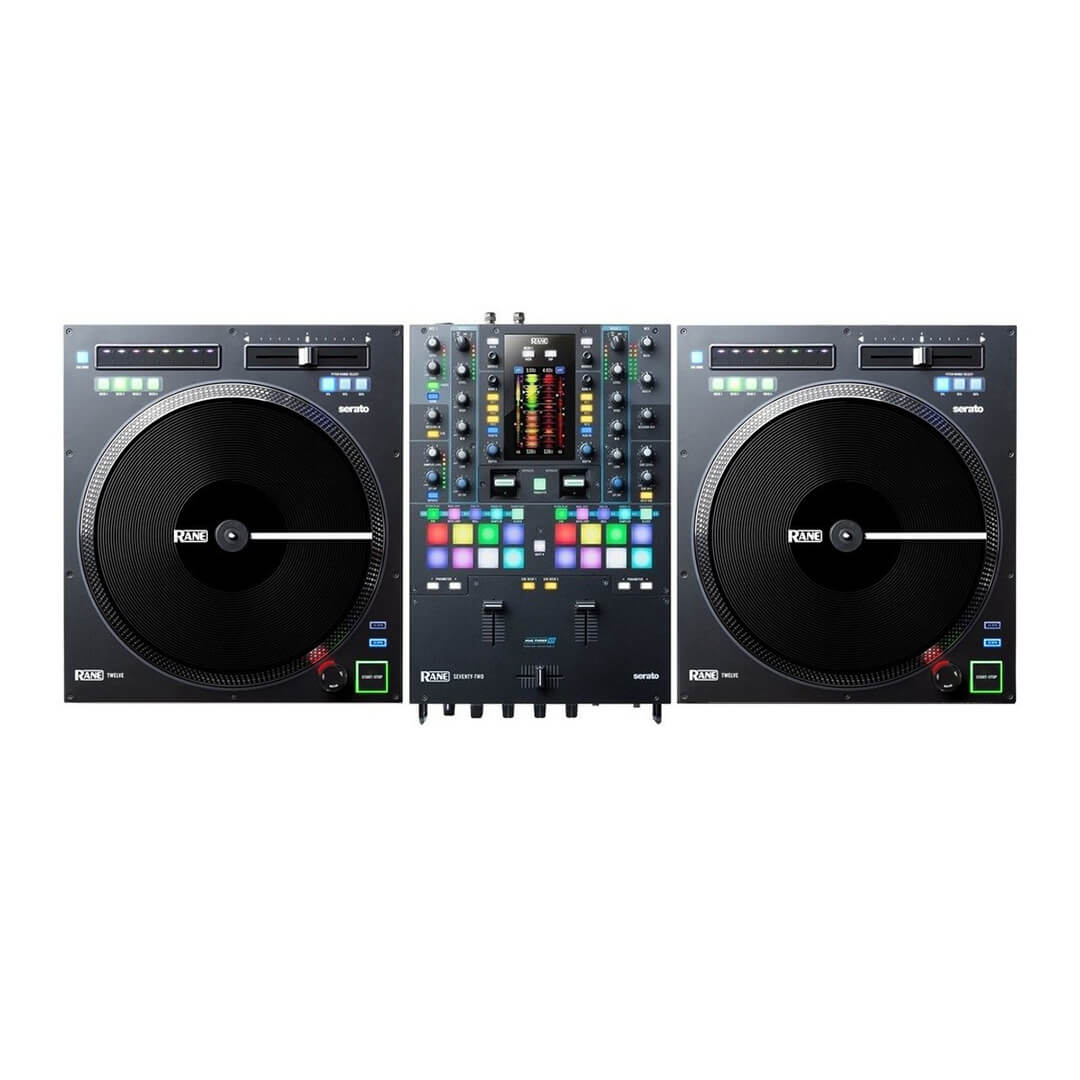
Hire Rane Seventy-Two DJ Mixer & Rane Twelve Turntables The Rane Seventy-Two is a “Serato DJ Pro hardware unlocked” device, meaning it works with Serato DJ Pro out of the box. The Rane Seventy-Two does not require manufacturer-specific drivers on Mac operating systems, and is plug & play with Serato DJ Pro. You may be asked to install the Rane Control Panel, which allows you to adjust mixer settings. On Windows you will need to install a driver available from Rane’s website, or when prompted after opening Serato DJ Pro, while the mixer is connected. We also recommend that you have the latest firmware installed for the Rane Seventy-Two, which can be found on Rane’s website. The Rane Twelve is a “Serato DJ Pro official accessory”, meaning it works with Serato DJ Pro out of the box, but requires additional primary hardware connected, that falls under the Serato DJ Pro hardware unlocked or Paid upgrade to Serato DJ Pro categories. The Rane Twelve does not require manufacturer-specific drivers on Mac or Windows operating systems, and is plug & play with Serato DJ Pro. If used in conjunction with a Rane Seventy-Two mixer, you may connect the Rane Twelve to its dedicated USB accessory ports, otherwise, simply connect it directly to a spare USB port on your computer, then connect your primary hardware, and launch Serato DJ Pro. Ensure the virtual deck you wish to control in Serato DJ Pro is in Internal mode, and then press the Deck 1, 2, 3 or 4 buttons, to assume control of that deck. Once assigned, the corresponding Deck Select button will indicate this, by staying fully lit. To reassign a deck, hold the corresponding Deck Select button for 2 seconds, allowing you to assign it again, which is useful when using multiple Rane Twelve devices.